
Body illustration

Designing a mixed reality training tool to elevate burn assessment training

Buckinghamshire NHS trust reached out to Team Consulting expressing the challenges faced when partaking in training for burn assessment and care. Exposure to a wide-range of burn scenarios is uncommon which can leave HCP’s lacking confidence when transitioning to a real life patient. By harnessing the power of mixed reality, extensive and realistic burn simulations can be created quickly and more cost-effectively.

Our solution removes the labour and resources needed to create prosthetic burns for a mannequin, and enables the customisation of the patient’s characteristics and burn cause. These tools create a dynamic and more versatile training model to help HCP’s learn in a richer and risk-free environment.

Surgical UX Design Software
Phone and headset (1)

Our approach

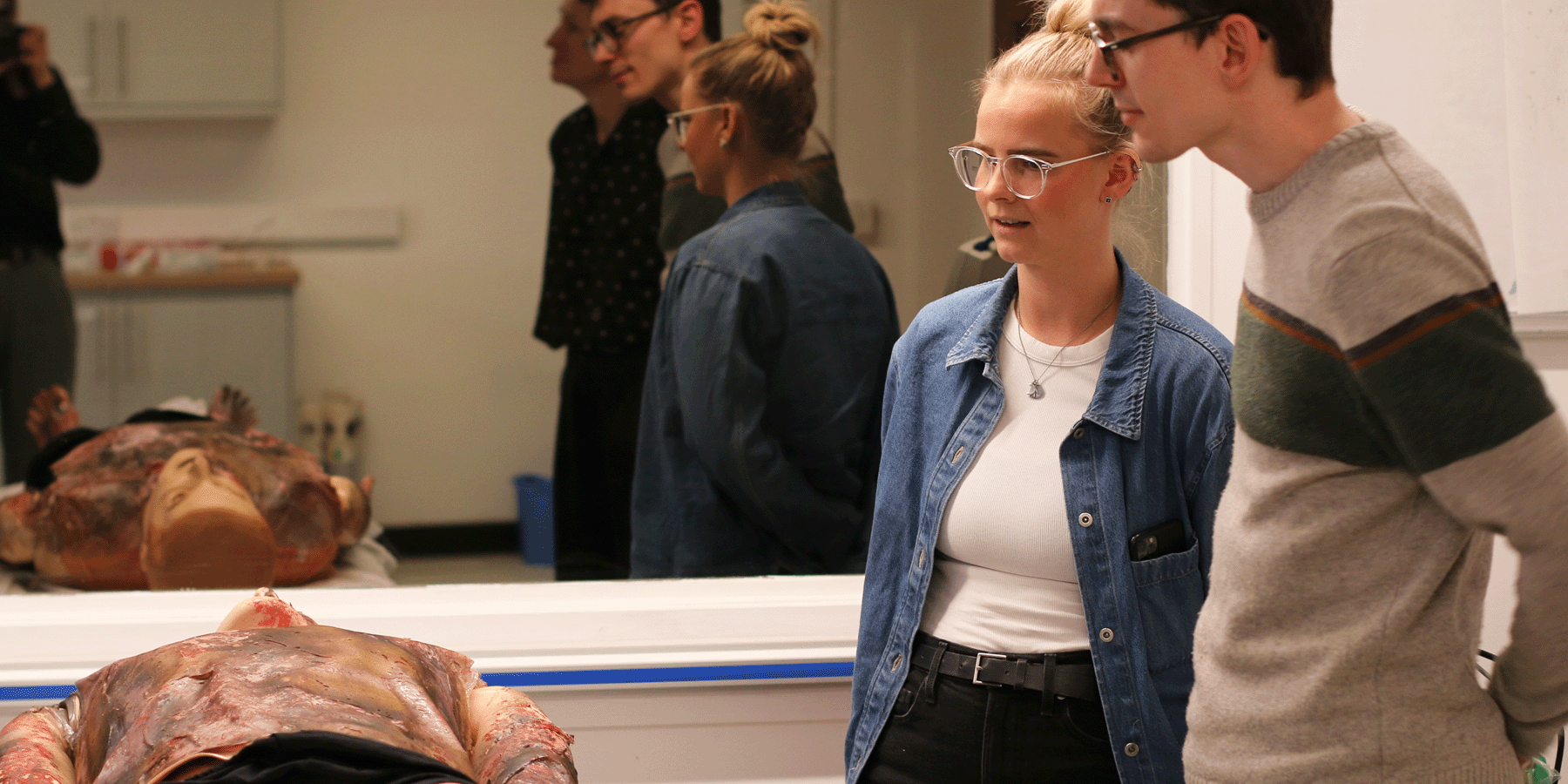
The opportunities for design improvements in the current training model were identified from close collaboration between Team’s UX and software specialists and our client, Buckinghamshire NHS trust. Conducting contextual research in the form of observing burn training at Stoke Mandeville hospital allowed us to see first-hand the challenges HCPs face when creating burn scenarios and assessing their patient.

Outcome

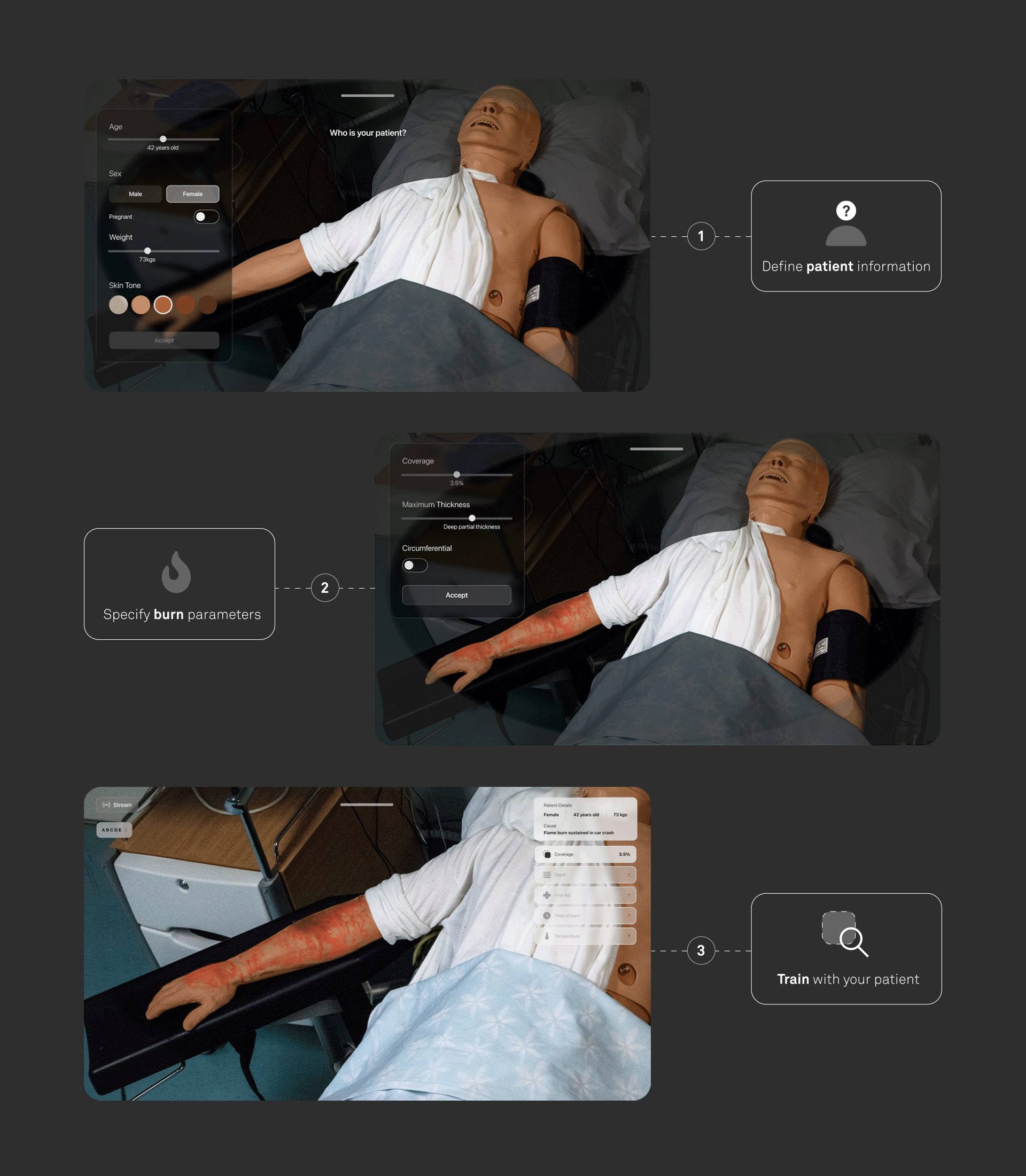
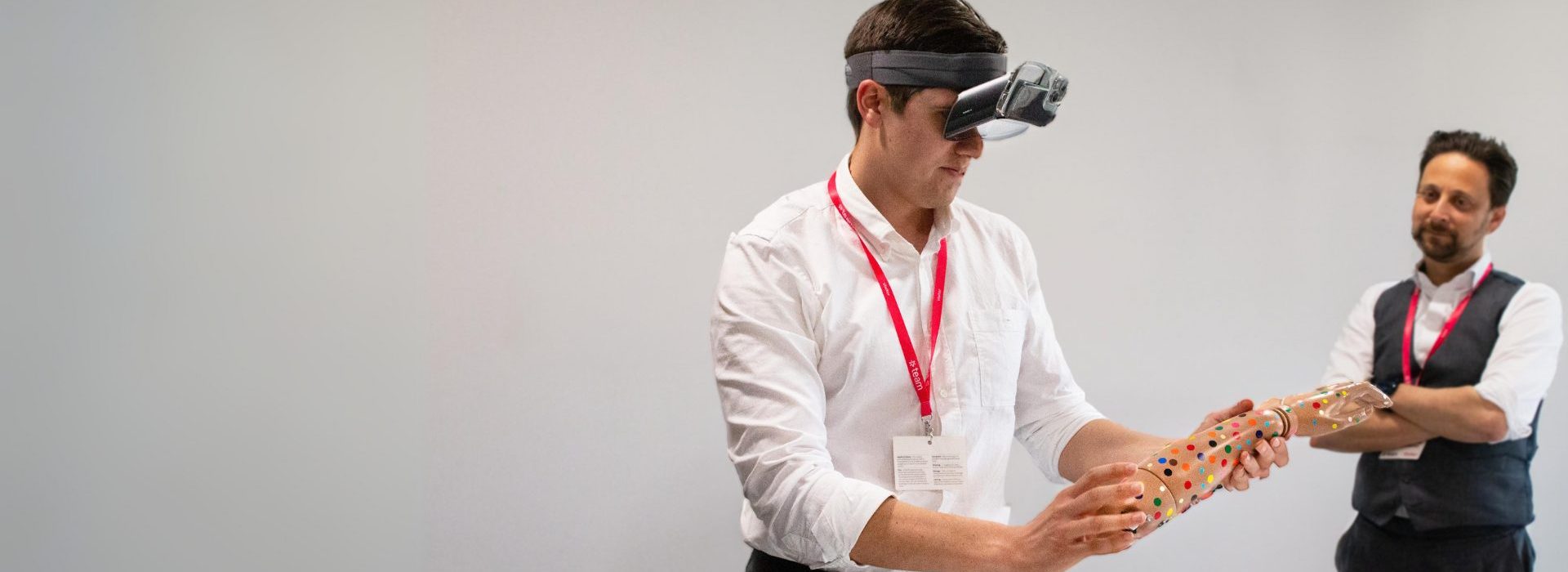
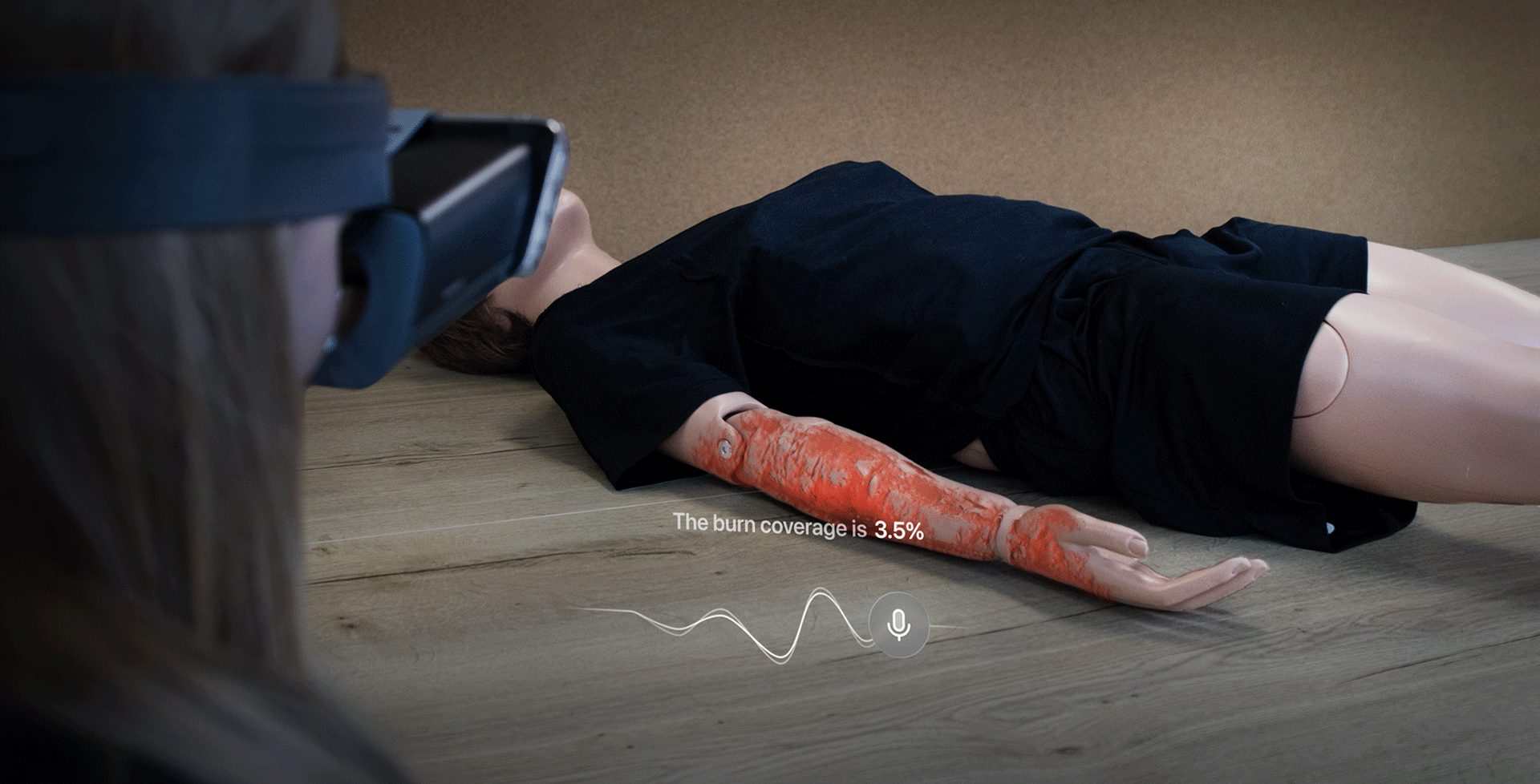
A mixed reality training tool allowing HCP’s to train in highly-customisable and realistic burn simulations built in a matter of minutes, providing the breadth and depth of test scenarios to build up experience and confidence. The system programmes and visually adjusts a patient’s characteristics and maps a custom burn on the top, so the HCP can move around the patient with the burn fixed on the desired location of the body.

Untitled design (1)

Problem

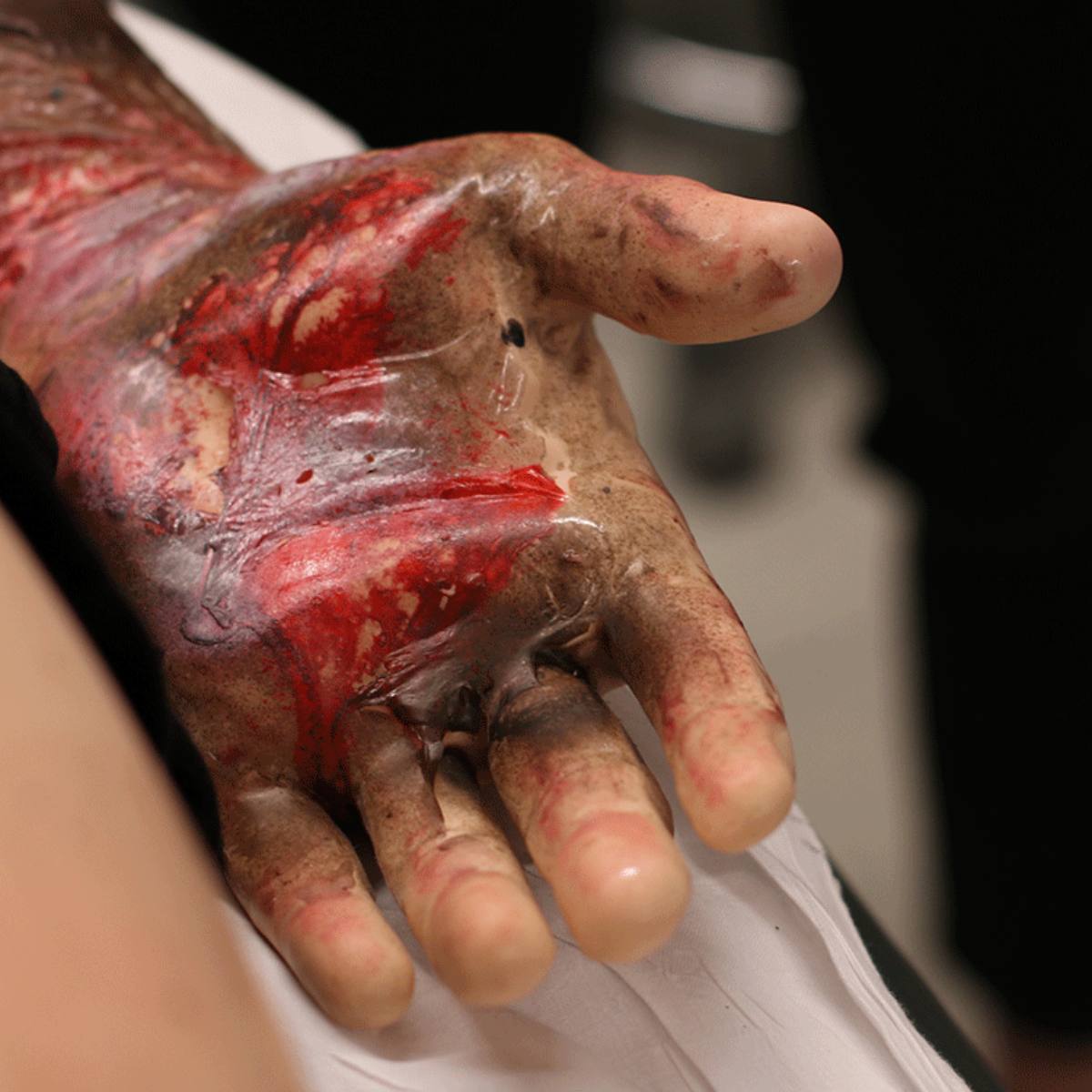
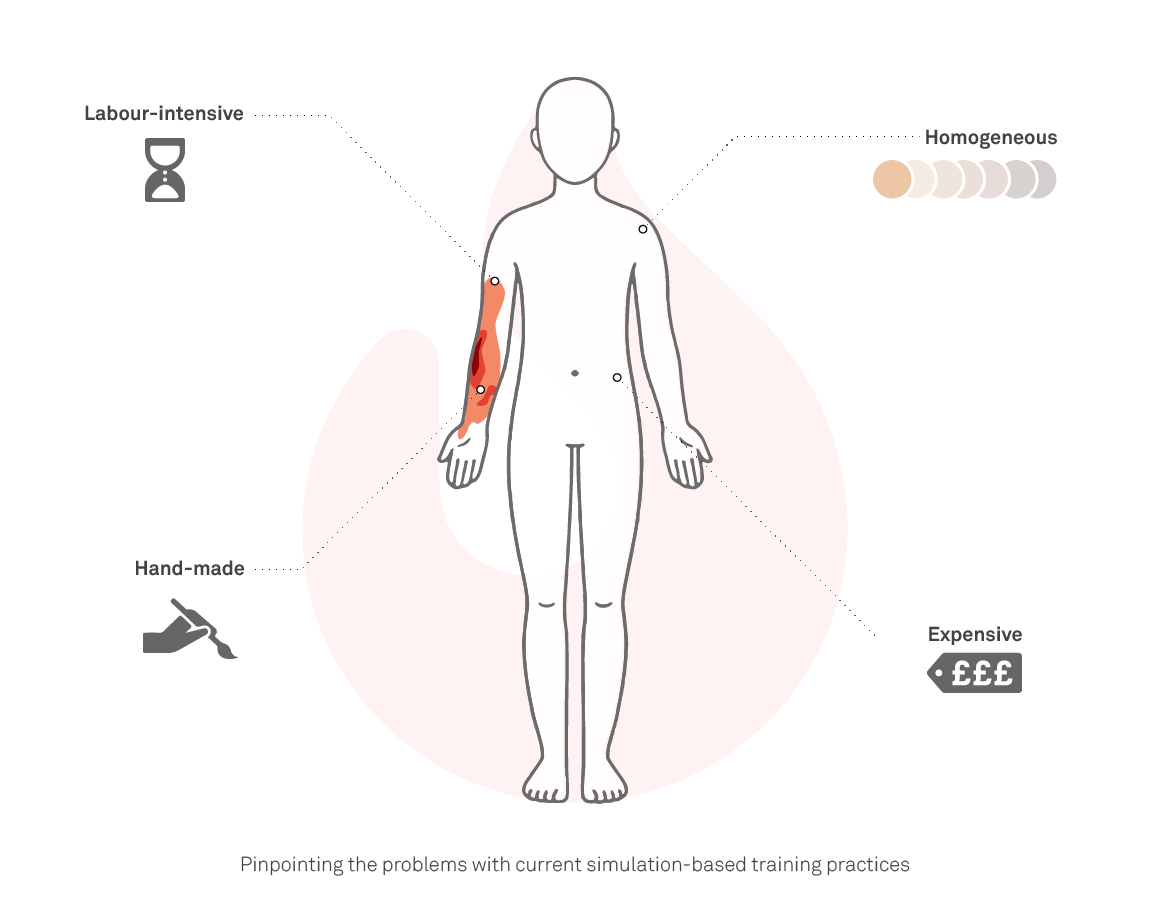
Today’s methods and materials used to design and create burn simulations can be very expensive and limited, with most mannequins costing ~£120k each and being of the same skin tone, age and build. The burn itself is often outsourced to a prosthetic artist to hand paint sheets which are then overlayed onto the mannequin.

HCP’s are often exposed to only a small number of scenarios during their training, due to the high costs and labour required for the set up. Therefore, burn training heavily falls under the adage, “watch one, do one, teach one”.

System

The first area of customisation is around the patients information; age, weight, sex and skin tone. The second is customising the burn parameters;

depth, size, cause and location.Once setup, the UI displays a unique, digital burn on top of their patient.

Sketching (1)

UX in / Elevating the training model

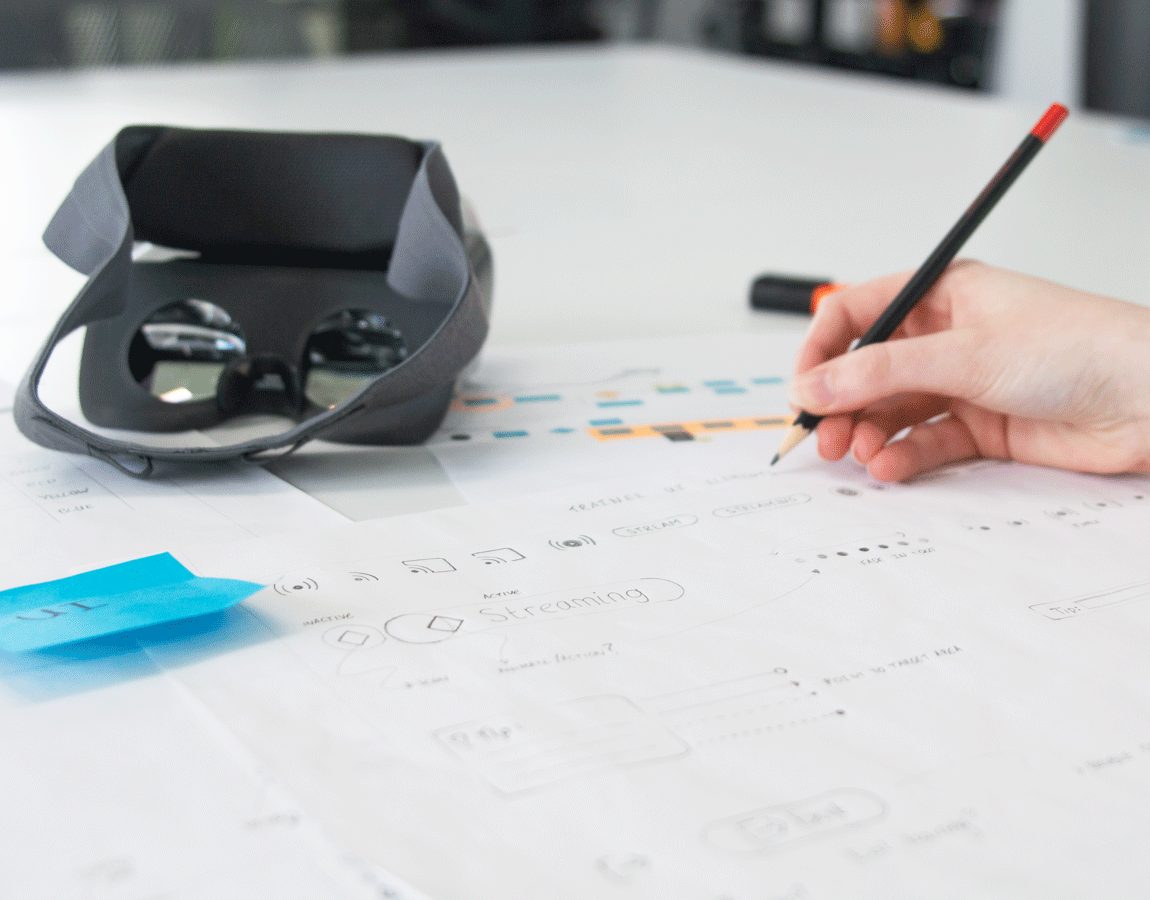
The UX has two main flows; a setup flow to create the burn simulation, and an assessment flow where the HCP can engage with their patient’s burn and develop their knowledge of the assessment model. During the assessment flow, the HCP’s task is to gather all of the information needed to diagnose their patient and make the best decision for their onwards care. This is gathered by going through the ABCDE steps and building a full profile on who their patient is and the severity of the burn (depth, coverage, time since burn, and application of first-aid). The UI design contains optional prompts to guide the HCP through the assessment steps, so that over time, their knowledge and confidence will increase and reliance on prompts will decrease.

The debrief and review aspect of training is crucial, therefore we added the ability to live-stream what the HCP is seeing to assessors and veiwers.

Remove – Scanning

Software experimentation/challenges/ mixed reality software design

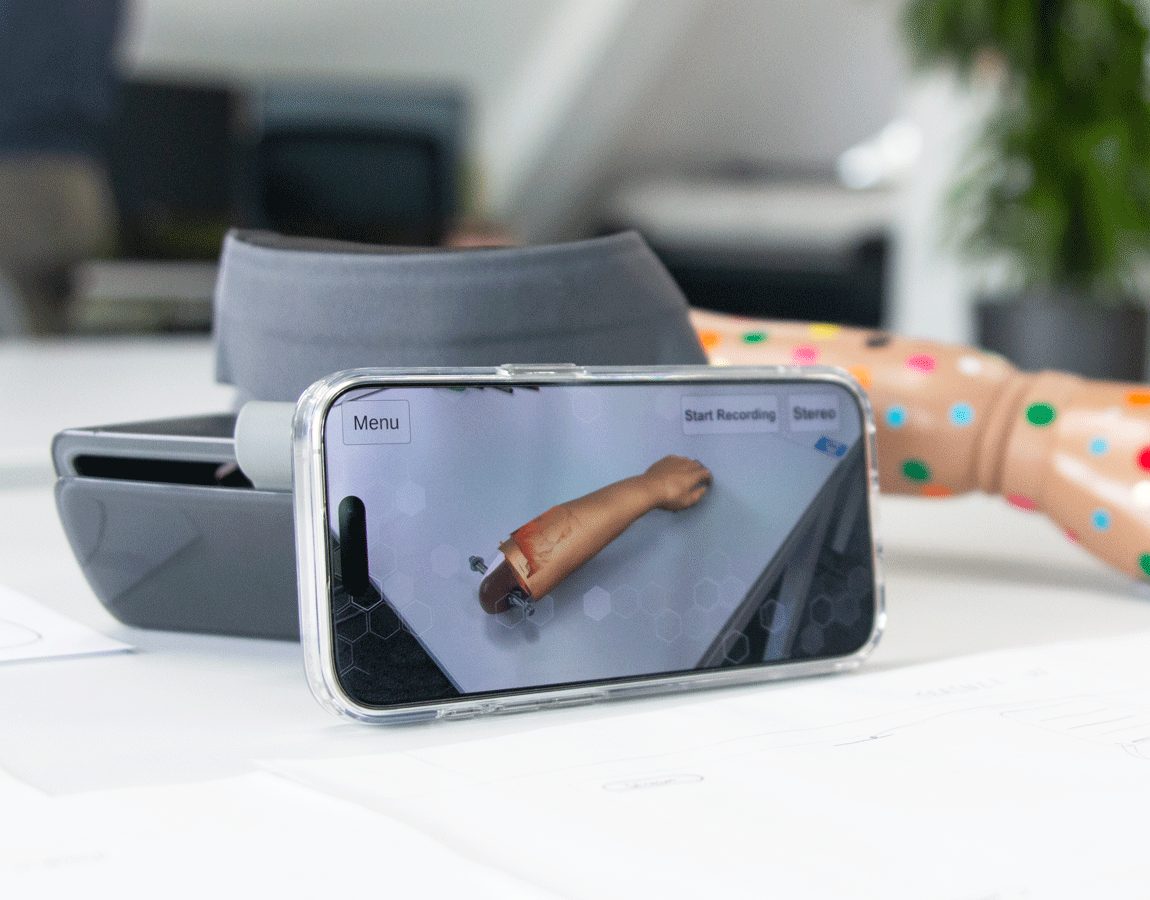
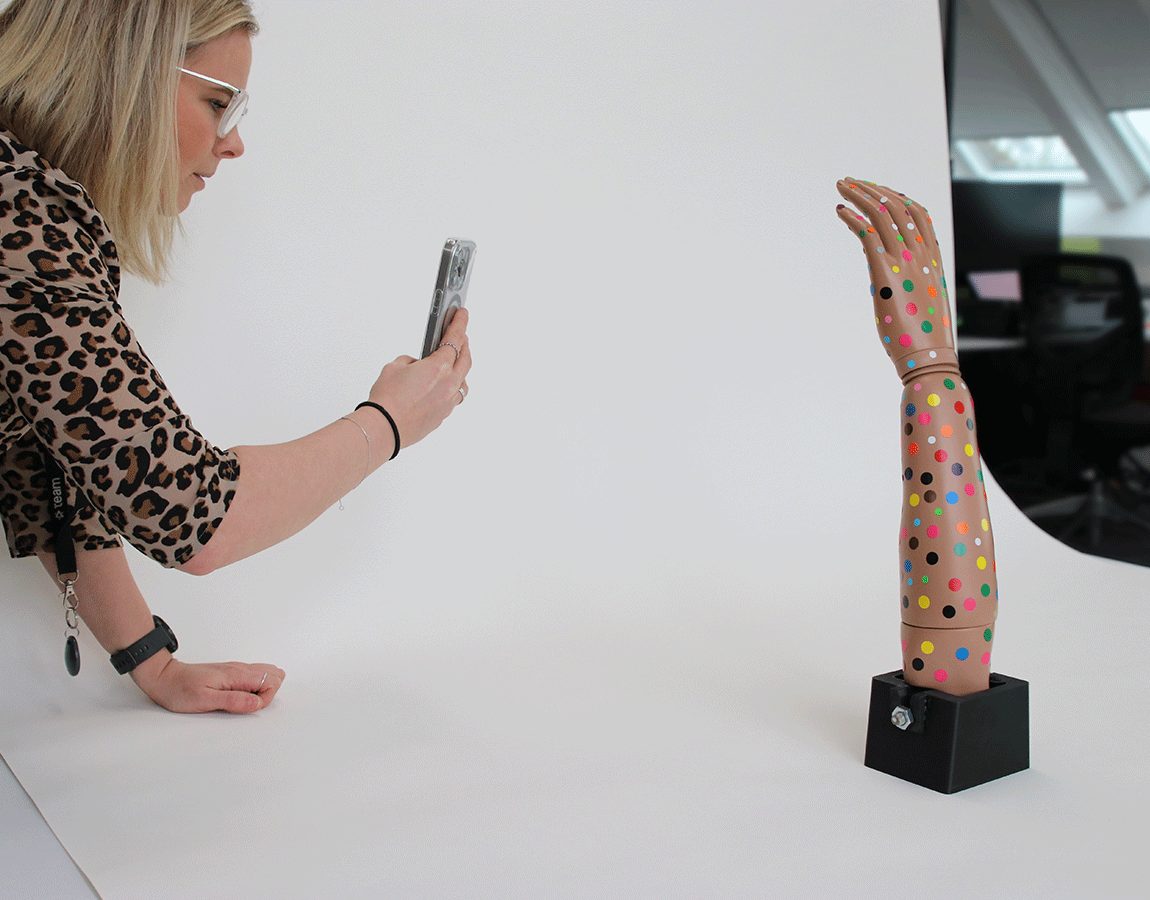
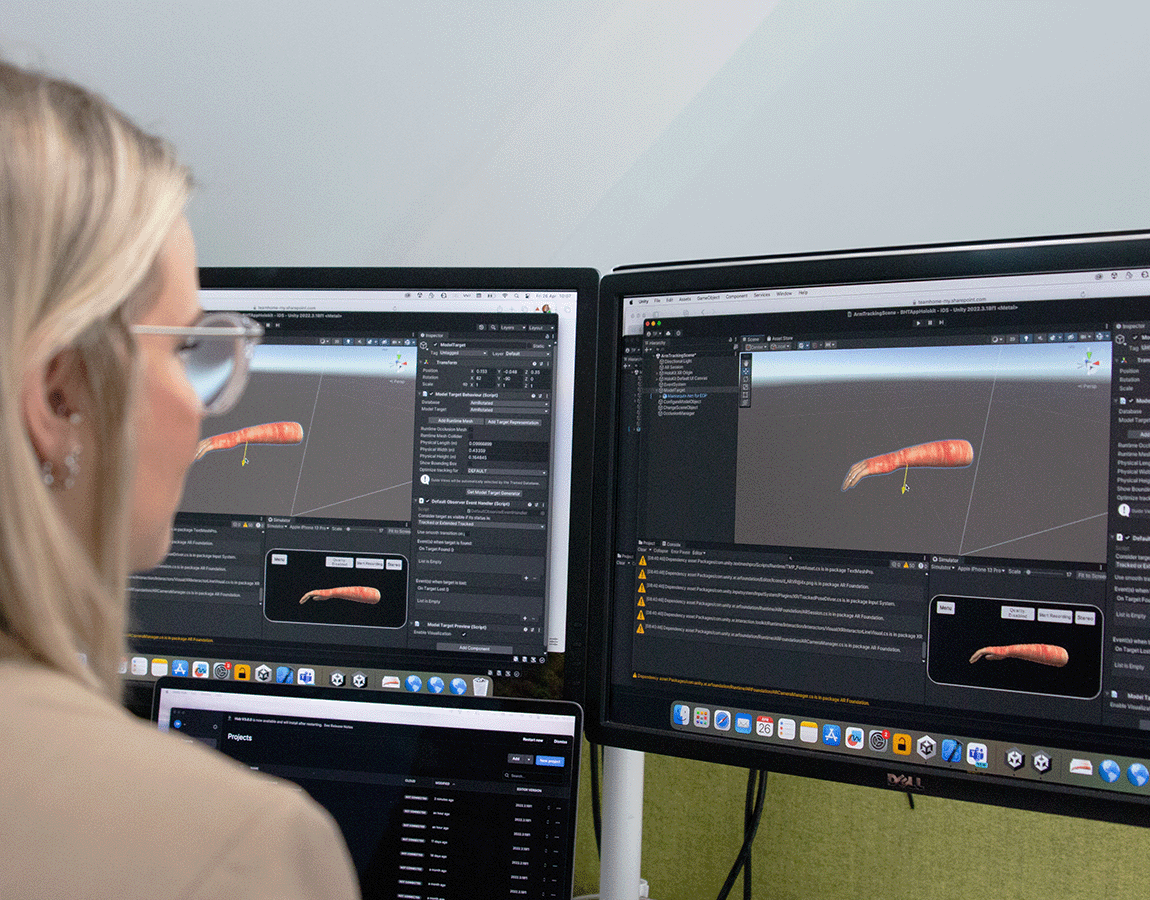
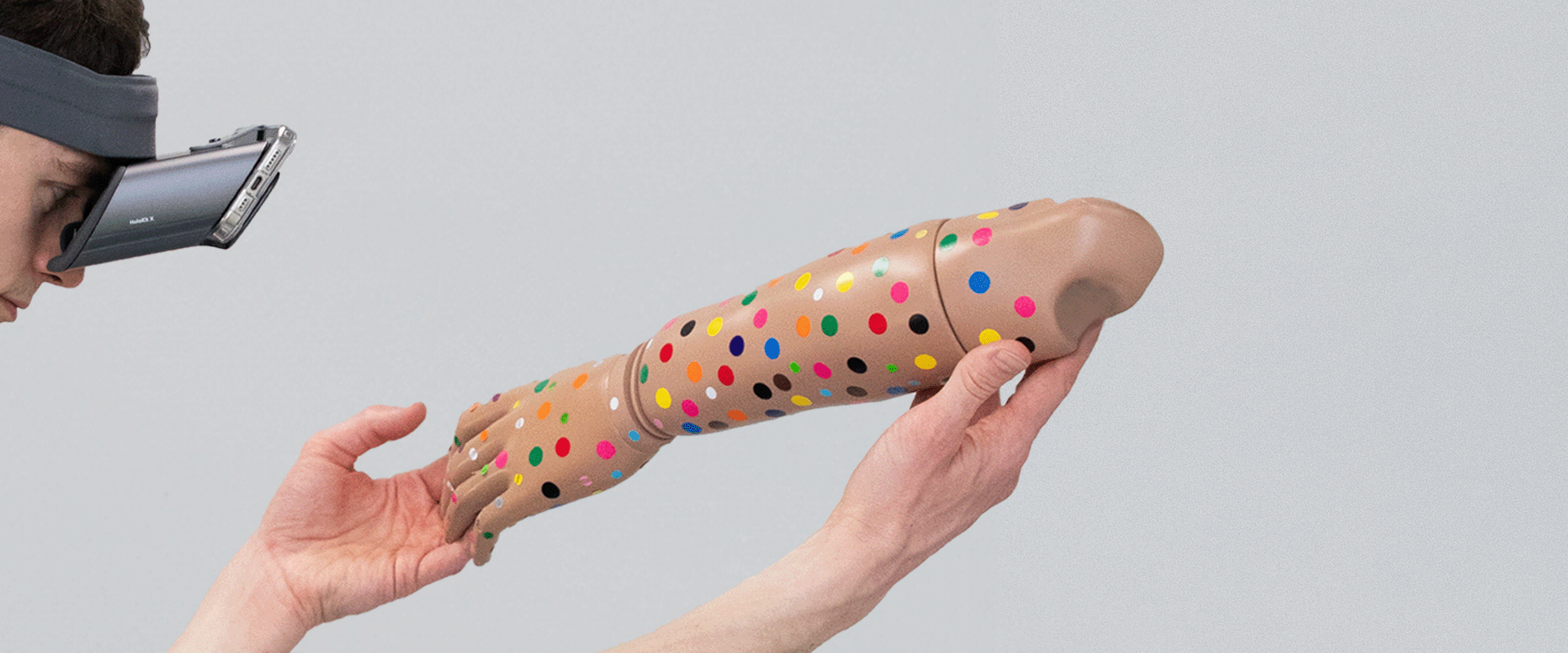
The software team was challenged to position and track a custom burn onto a part of the body. For the proof of concept demonstrator, a mannequin arm was used. During this experimentation process, the team took a 3D scan of the mannequin arm which was used as a reference for the software to recognise the mannequin arm in real life. This allowed the software to map the digital skin and burn seamlessly on top, matching the size and shape of the actual mannequin arm underneath.

Read more about Software design for Mixed Reality ^
Adjustments were made to ensure that the prototype maintained good hand occlusion quality to maintain a level of realism as the users hands moved “over” the mannequin in space. Another challenge was ensuring that the software kept the patient’s digital overlays on the target mannequin instead of the users hands, as they have similar 3D features.

Embracing the challenges of our mixed reality project was like navigating uncharted territory. Every obstacle was an opportunity to innovate and push the boundaries of what’s possible in software engineering. It’s in overcoming these challenges that we truly redefine what technology can achieve.

Thorbjorg Petursdottir, Software Engineer Consultant

Embracing the challenges of our mixed reality project was like navigating uncharted territory. Every obstacle was an opportunity to innovate and push the boundaries of what’s possible in software engineering. It’s in overcoming these challenges that we truly redefine what technology can achieve.

Thorbjorg Petursdottir, Software Engineer Consultant

Outcome

Test Test Test TestTestTestTestTestTestTestTest Test Test Test TestTestTestTestTestTestTestTest Test Test Test TestTestTestTestTestTestTestTest

Thorbjorg working 2 cropped

Test

testtesttesttesttesttesttesttesttesttesttesttesttesttesttesttesttesttesttesttesttesttesttesttesttesttesttesttesttesttesttesttesttesttesttesttesttesttesttesttesttesttesttesttesttesttesttest

Read more

Wonder how we could help?

Let’s start working together on your next challenge.